With hundreds of CRM options available, choosing the right one can feel overwhelming. Here’s how to cut through the noise.
Start With Your Needs
Before looking at features, answer these questions:How many contacts will you manage?What’s your primary goal (sales, support, marketing)?What tools do you need to integrate?What’s your budget?How tech-savvy is your team?
The Major Players
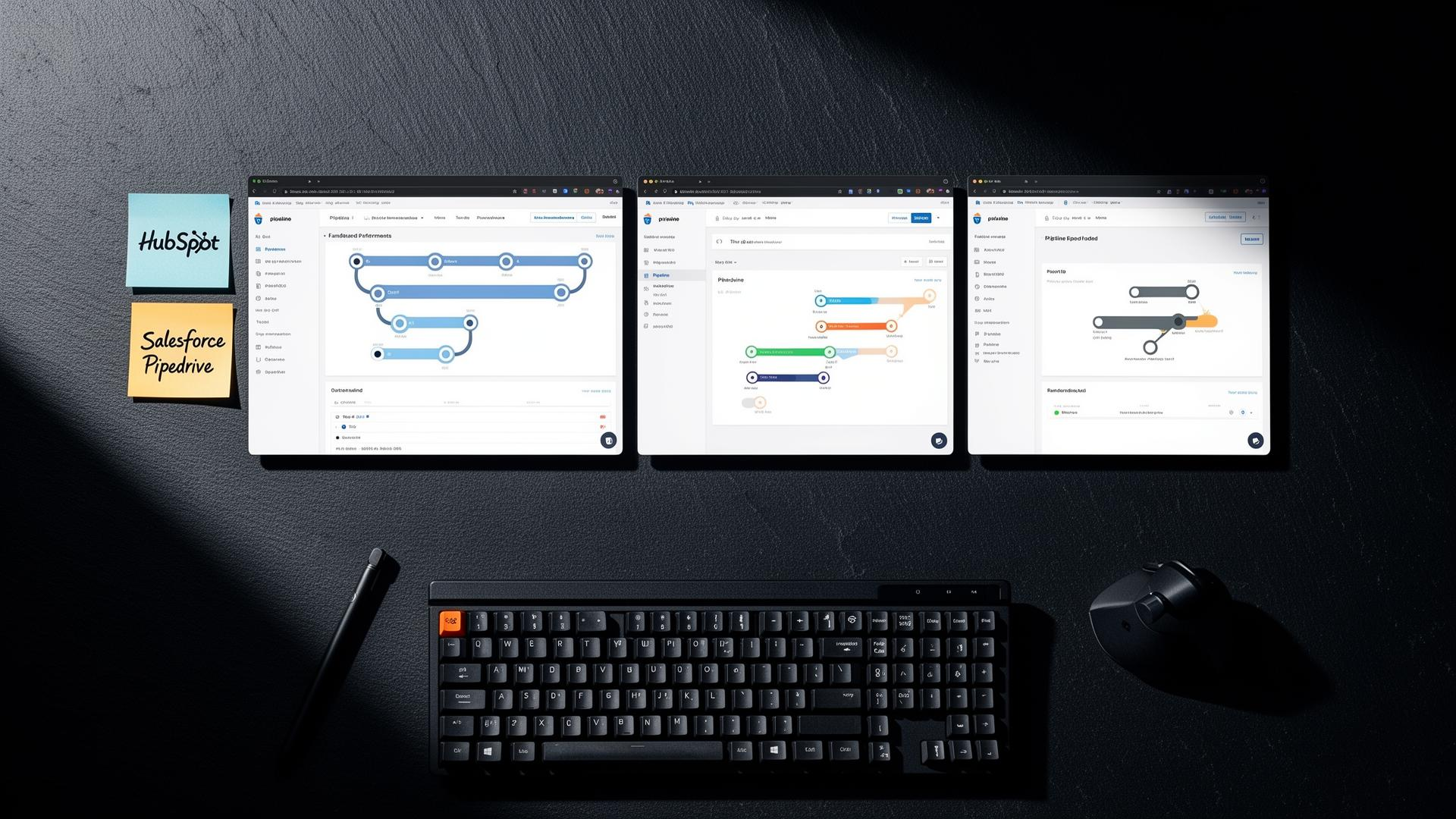
HubSpot
**Best for:** Growing businesses wanting an all-in-one platform
**Pros:** Generous free tier, excellent marketing tools
**Cons:** Can get expensive as you scale
Salesforce
**Best for:** Large organizations with complex needs
**Pros:** Incredibly powerful and customizable
**Cons:** Steep learning curve, expensive
Pipedrive
**Best for:** Sales-focused teams wanting simplicity
**Pros:** Intuitive interface, affordable
**Cons:** Limited marketing features
Zoho CRM
**Best for:** Budget-conscious businesses
**Pros:** Feature-rich at low cost
**Cons:** Interface can feel dated
Red Flags to Watch For
Contracts that lock you inHidden costs for essential featuresPoor mobile experienceLimited integration optionsNo data export capabilities
Implementation Tips
1. Start with a pilot group
2. Clean your data before migrating
3. Invest in proper training
4. Customize thoughtfully (don’t over-engineer)
5. Plan for ongoing optimization
The Bottom Line
The best CRM is the one your team will actually use. Prioritize usability and fit over feature counts. A simpler tool used consistently beats a powerful tool gathering dust.